

Gallery
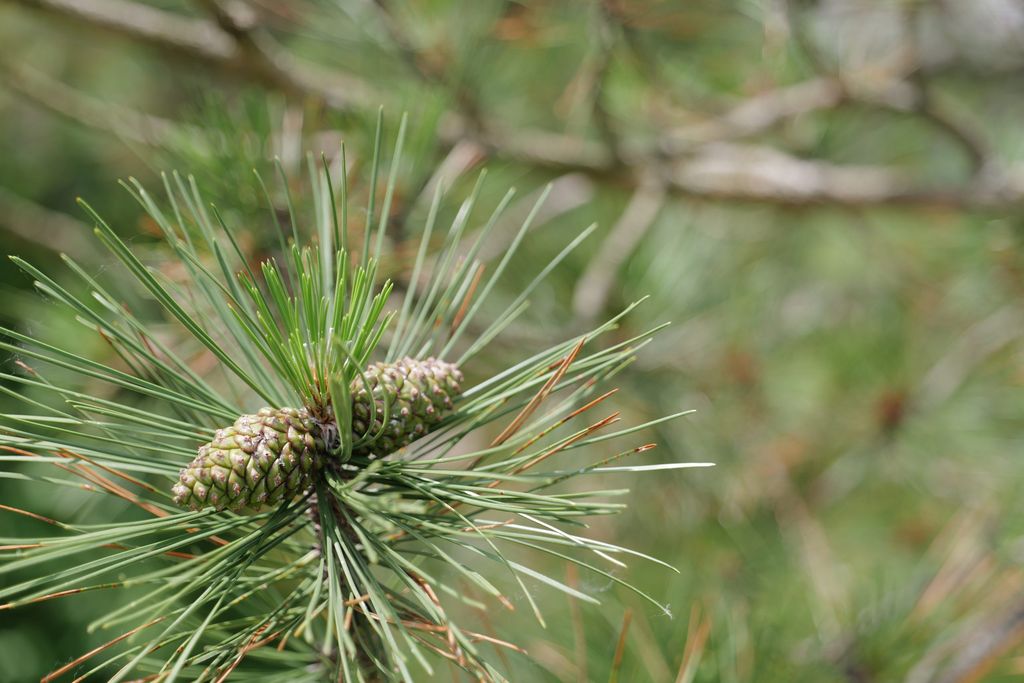
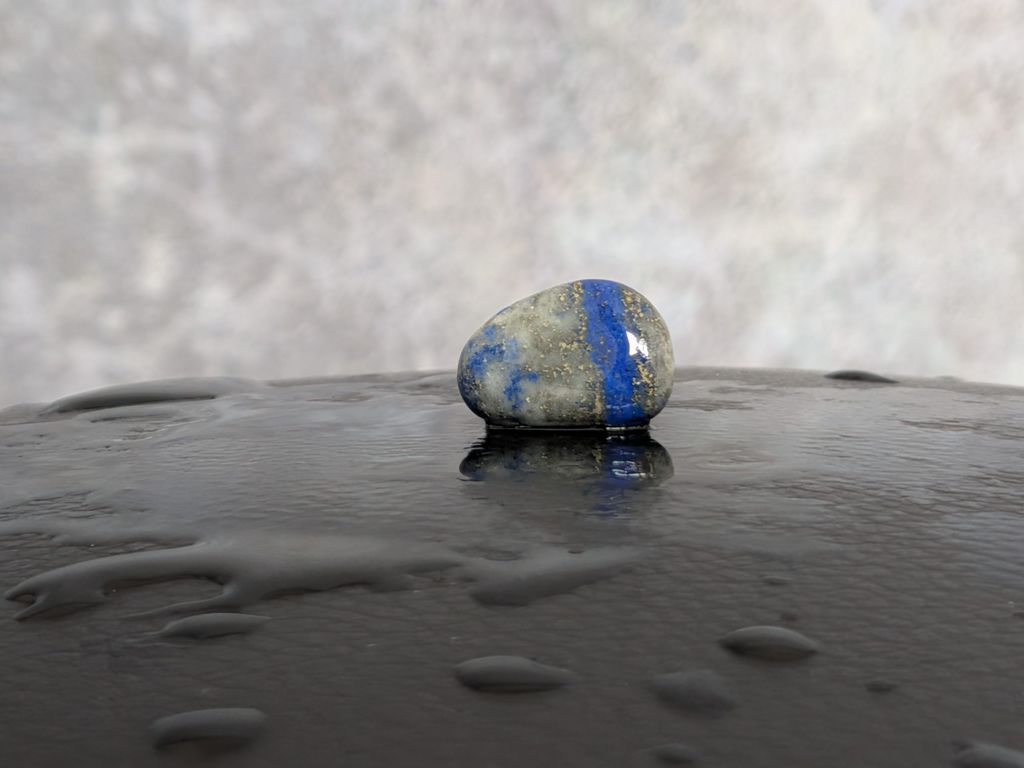
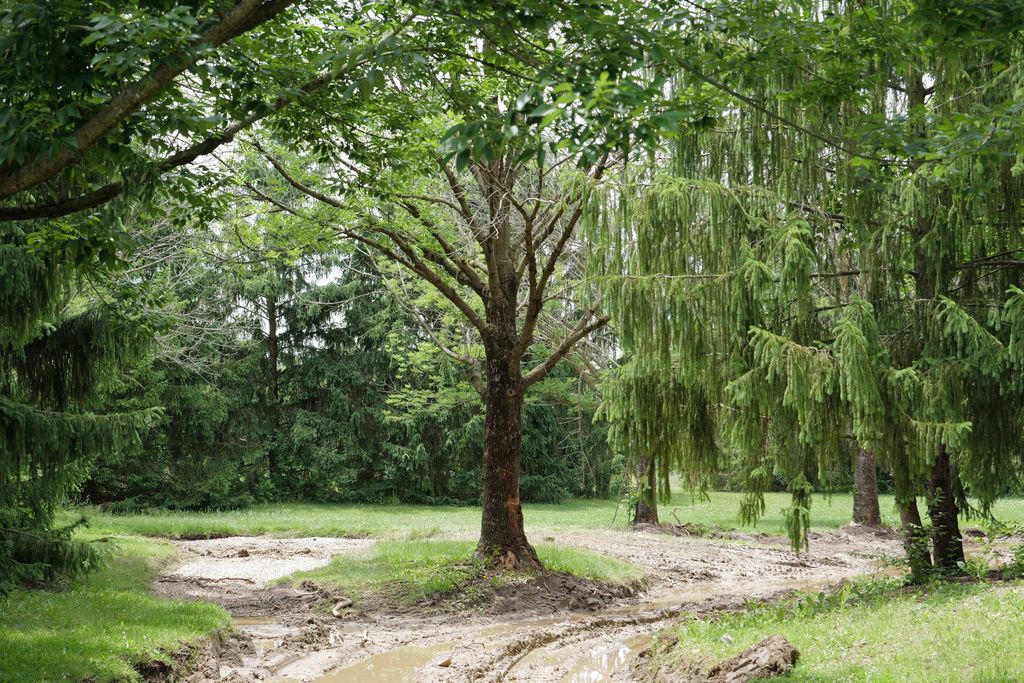
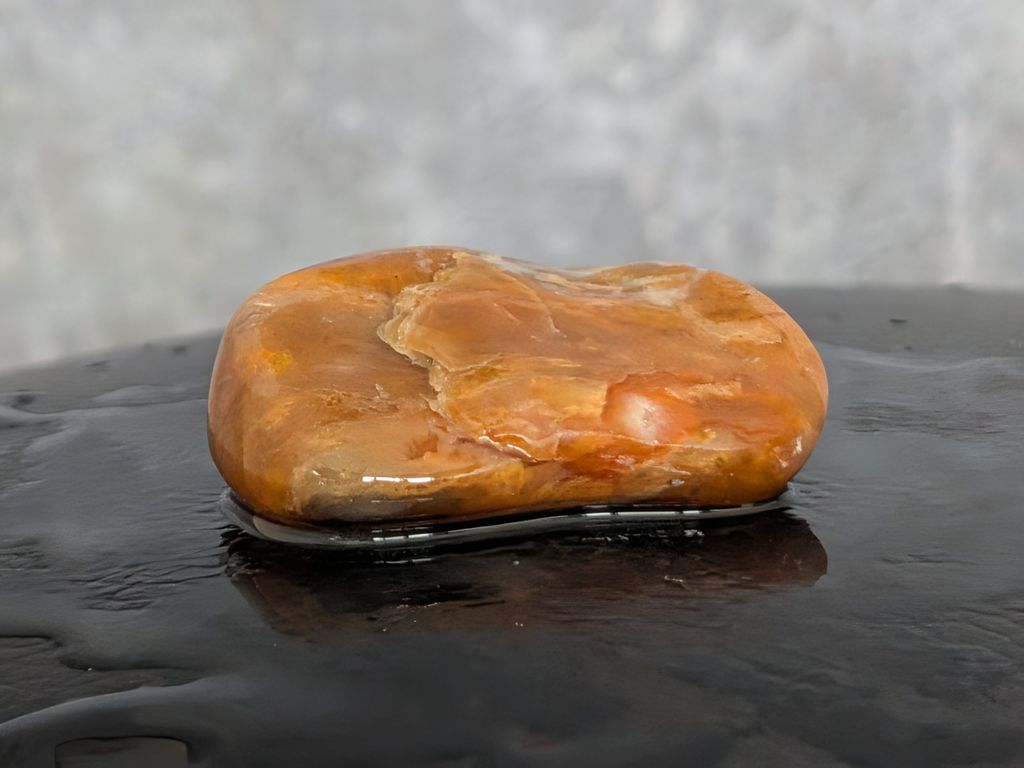
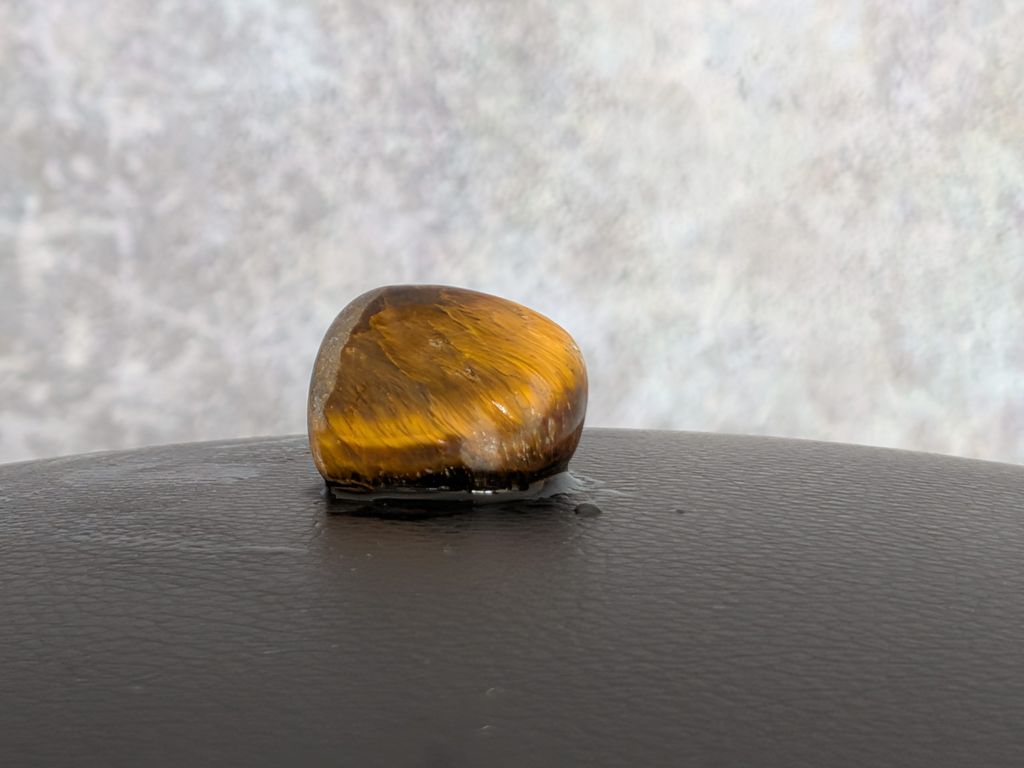
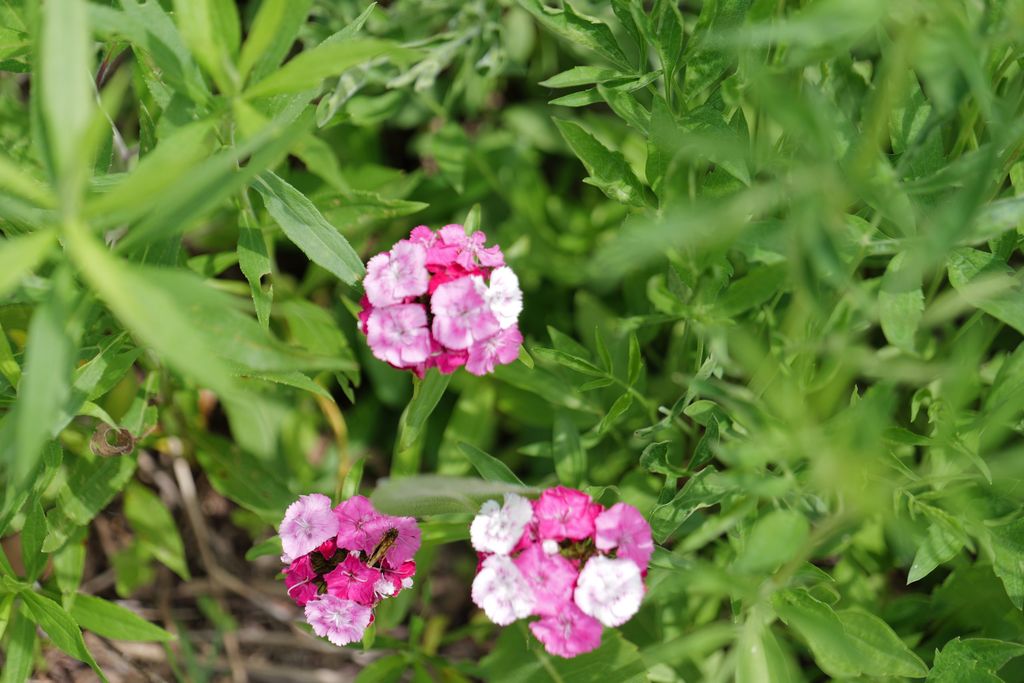
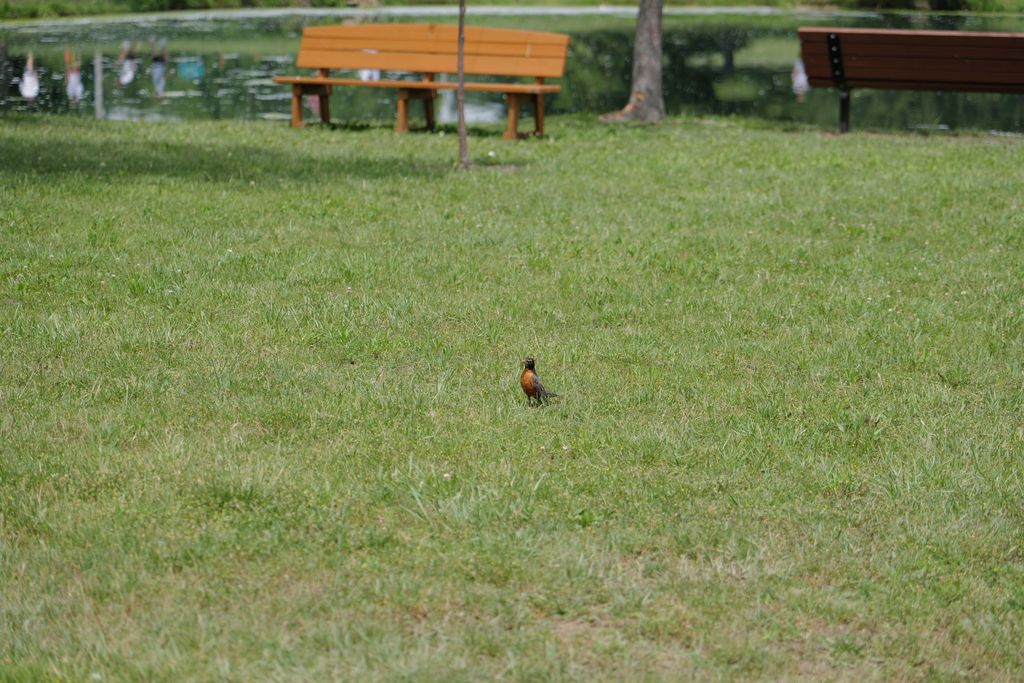
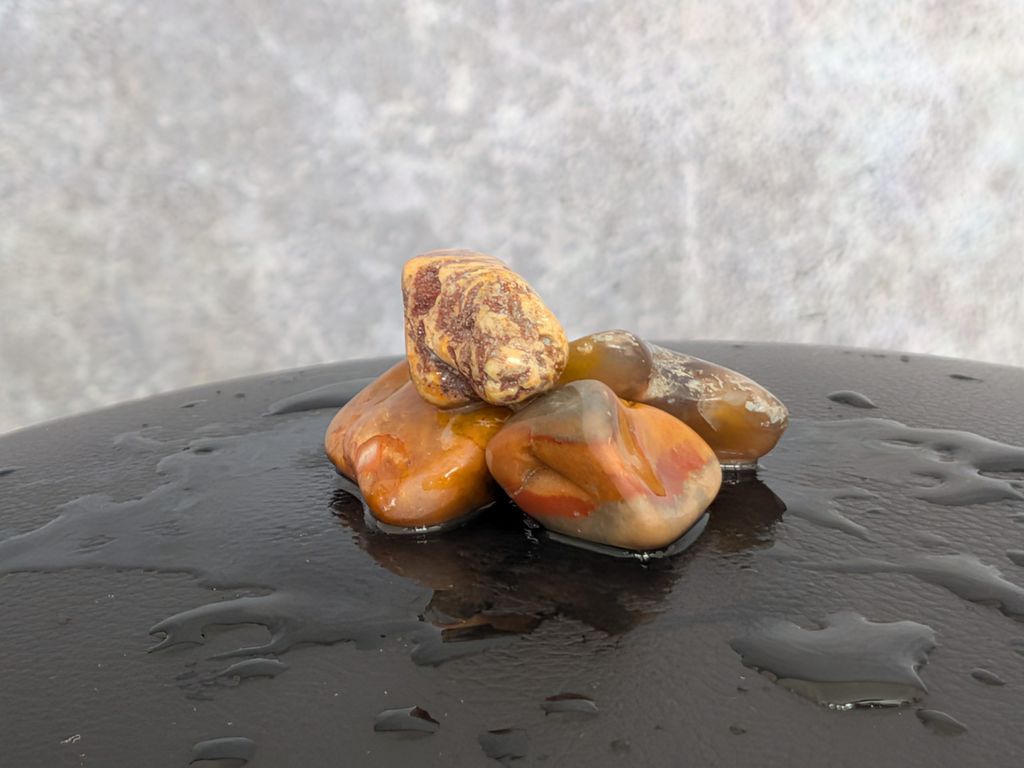
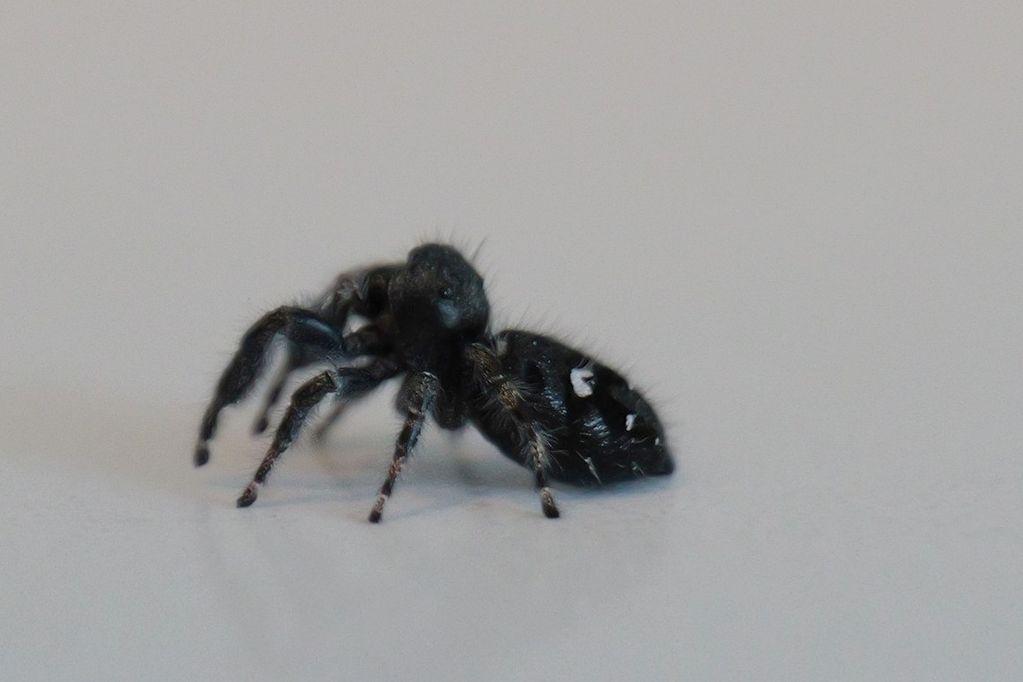
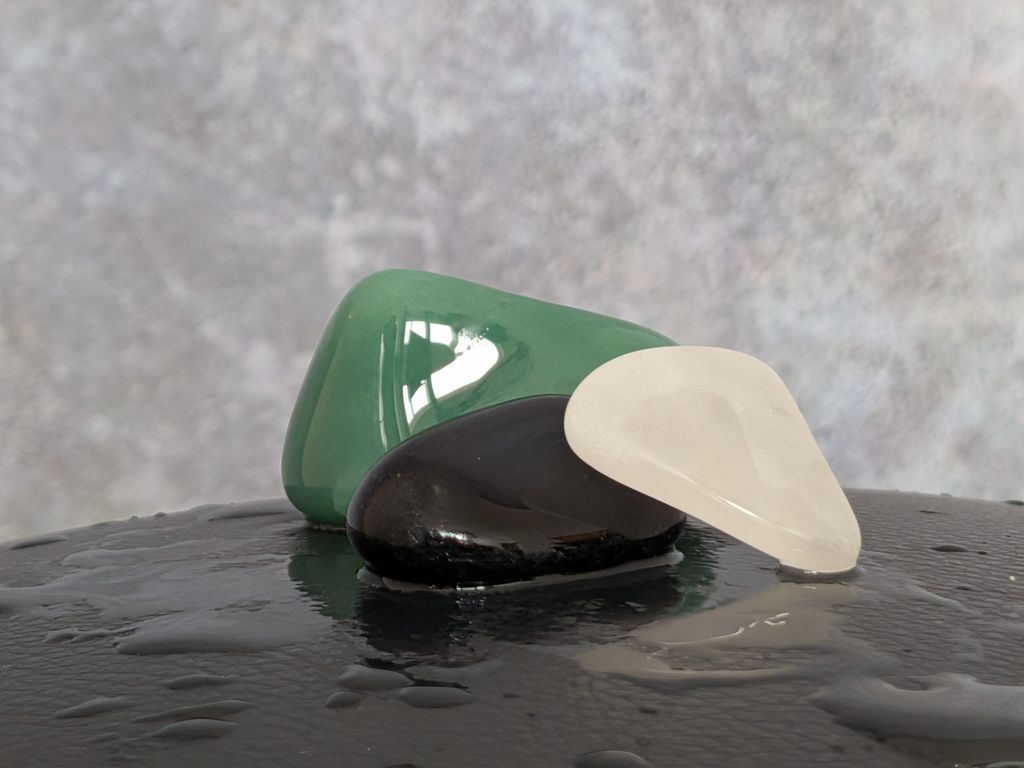
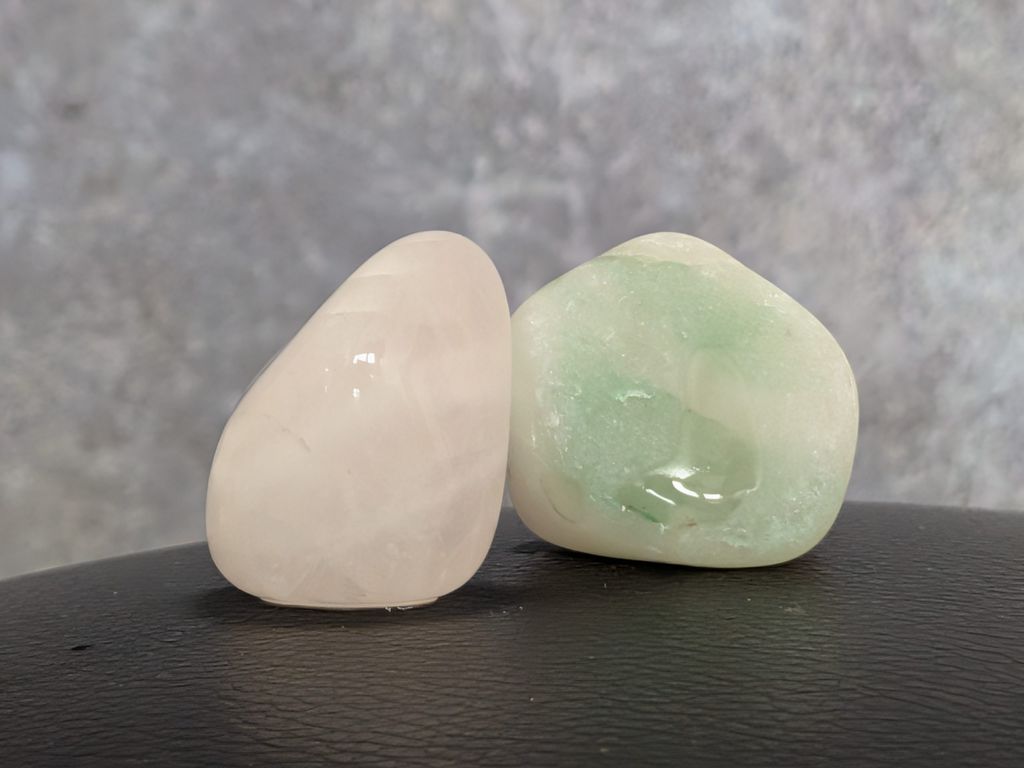
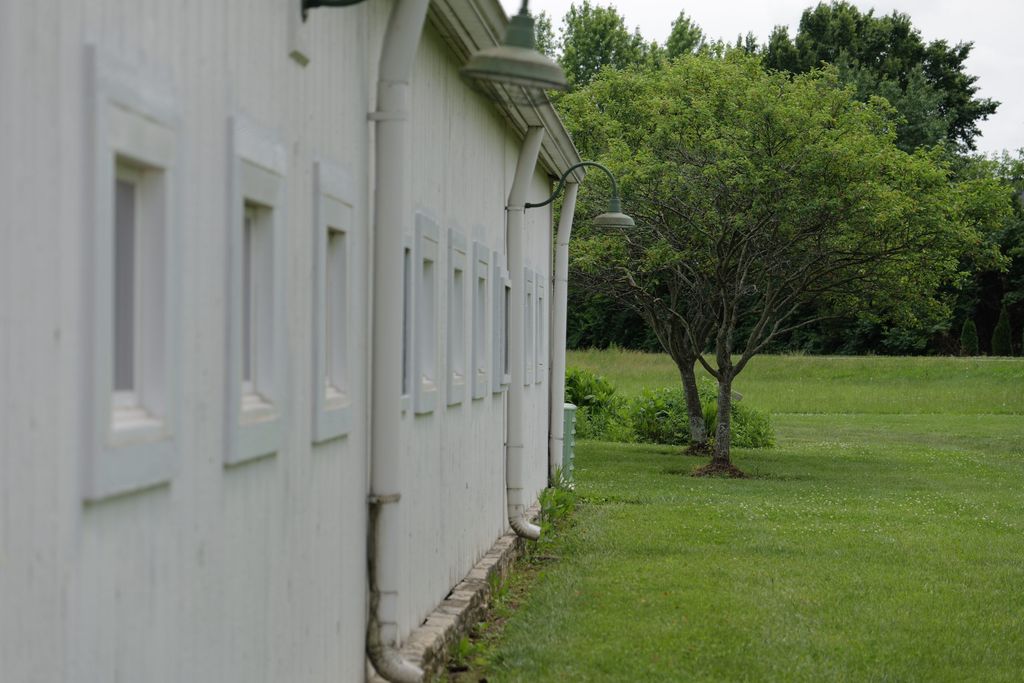
Click on the “cr” button on each image to check the Content Credentials to see “how” something was made, and “who” published it.














































Gallery
Click on the “cr” button on each image to check the Content Credentials to see “how” something was made, and “who” published it.